
A driver logbook records every trip your fleet makes, sorts it into business or private use, and notes the driver. Depending on how it is used, the same record is also called a Record of Duty Status (RODS) in commercial trucking, a driver’s daily log, or a mileage logbook for tax and expense tracking. Wialon’s Driving Logbook used to produce it, but that application is now outdated and unsupported, which leaves fleet managers running reports and correcting them in Excel.
FleetTAB Trips turns your Wialon trips into a driver logbook. You categorize and edit trips in the interface, and the changes are saved back into Wialon.
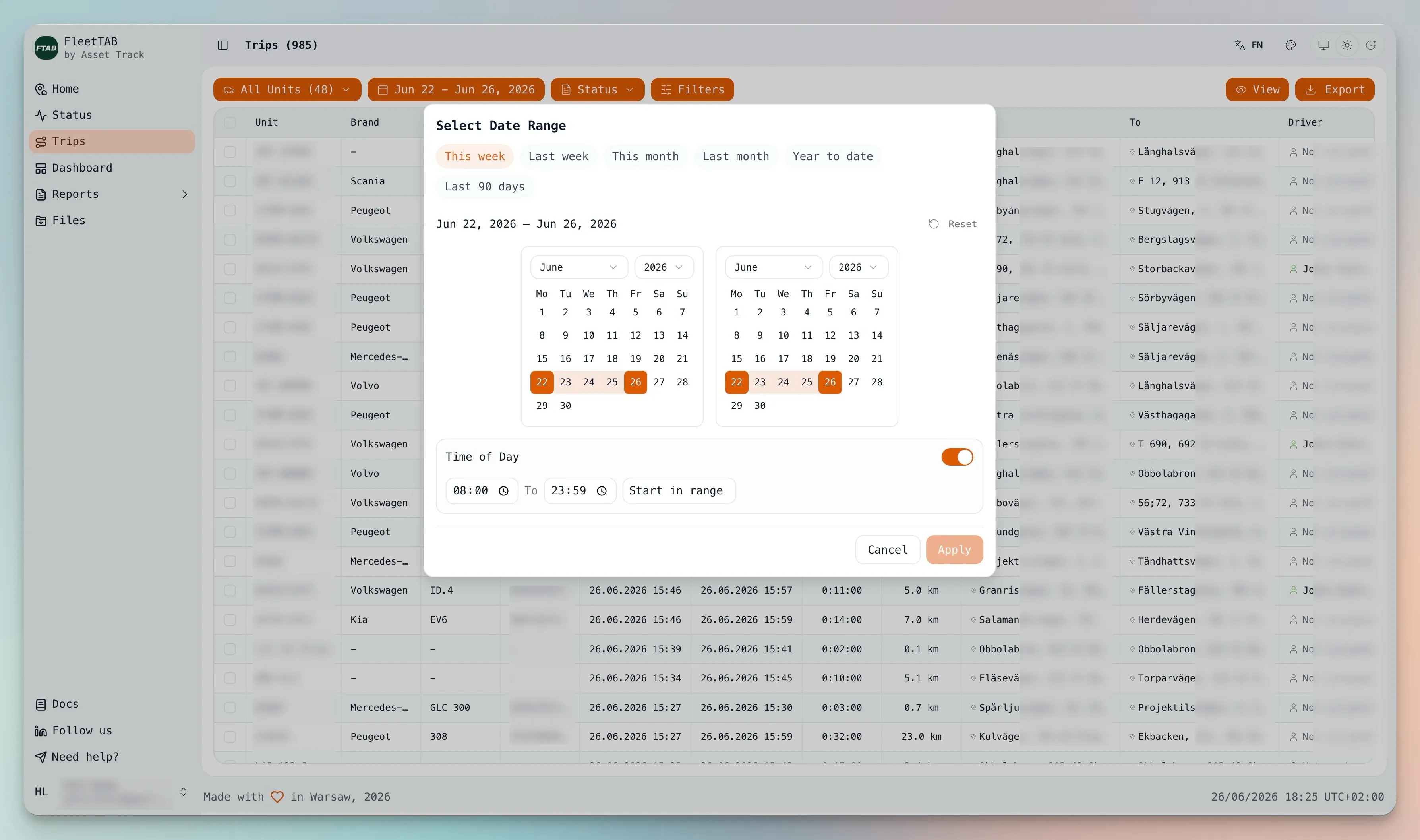
Categorize trips and save them to Wialon
You sort each trip in the interface and FleetTAB stores the result in Wialon, so the logbook stays in one place rather than in a spreadsheet that drifts out of sync. Trips can be grouped into three kinds of categories:
- Business for trips that belong on an expense or compliance record.
- Private for personal use, kept separate.
- Custom for your own labels, covering anything else you track.
Every trip with its details
FleetTAB reads your fleet with an event-based approach and pulls trips for all vehicles together, up to a million in a single run depending on your fleet size and date range. Each trip in the log includes the details you would otherwise look up by hand:
- Start and end addresses for the trip, as place names rather than coordinates.
- Distance and average speed per trip.
- CO₂, when it is set in the unit’s properties.
- The assigned driver for the trip.
Assign drivers to trips
Wialon does not let you attach a driver to a single trip. You open the driver, then enter a start time and interval by hand, which becomes slow and error-prone when drivers move between vehicles. In FleetTAB you select the trips you want, assign a driver to all of them at once, and the assignment is saved back to Wialon. Those bindings are also what makes per-driver reporting possible elsewhere: an eco-driving score per driver is only as good as the assignment history behind it.
Filter and export
You can filter the log by driver or by vehicle to find the trips you need, then export the result to Excel or JSON for reporting, accounting, or another system.
Free, and open to your suggestions
FleetTAB Trips is free and still in development. If there is a category, a field, an export, or a part of the workflow you would like in your logbook, send us a note and we will work on it together.