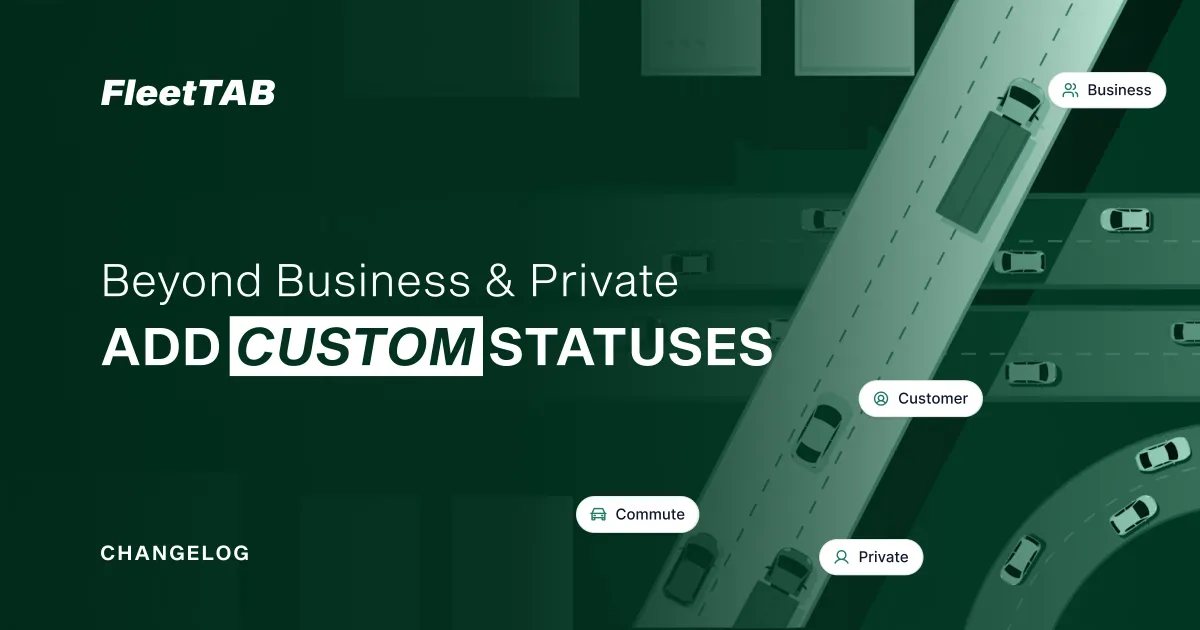
New: create your own trip statuses, not just Business and Private.
Until now, FleetTAB Trips let you sort each trip as Business or Private — the split a driver logbook needs for tax and compliance. But a trip is not always about tax. Sometimes it belongs to a business operation that has nothing to do with the business-or-private question: a delivery run, a service call, a site visit, a job number.
So we added custom statuses. You are no longer limited to Business and Private — you can create any status you want and apply it to your Wialon trips.
Why this matters
The Business / Private split exists for one reason: tax. It answers “is this trip deductible?” — and that is exactly the wrong question for a lot of fleets.
A field-service company doesn’t think in business-versus-private. It thinks in install, maintenance, and warranty. A logistics fleet thinks in delivery, pickup, and return. A municipal fleet thinks in route, callout, and depot. Forcing those into two tax buckets loses the information that actually runs the operation.
Take a plumbing fleet that used to tag everything Business. Now its trips read Install, Service, Warranty, and Supply run — so month-end reporting filters to “Warranty” in one click instead of re-reading every trip to work out what it was. You define the status once, and categorizing — and later filtering and exporting — gets simpler.
With custom statuses you label trips the way your business works, and the label is saved back to Wialon with the rest of the trip.
How it works
- Open the trips for your date range, the same as always.
- Instead of choosing only Business or Private, create a status with your own name.
- Apply it to one trip or to a selection of trips at once.
- The status is stored in Wialon alongside the trip, so it travels with your data.
You can still use Business and Private when you need the tax split — custom statuses sit beside them, not in place of them. They extend the same workflow described in A Free Driver Logbook for Your Wialon Fleet.
Free, and open to your suggestions
Custom statuses are part of the Trips module, which is free on your own Wialon account. If there is a status, a field, or a part of the workflow you would like in your logbook, send us a note and we will build it together.